Documentation
How to export an IPTV playlist as M3U
Download your edited IPTV lineup as an M3U file, or use a self-updating playlist link.
Some apps and devices can only load an M3U playlist, a text file listing channels. Sift can produce one from your edited lineup: your names, your order, without the categories and channels you hid, and with each channel’s guide ID, logo and category.
Download an M3U file
- Open your list and choose the tab you want: Live TV, VOD or Series.
- Press Export M3U in the top bar.
- Load the downloaded file in your app.
The file contains the tab you are on, so export each tab you need.
Use a playlist link instead
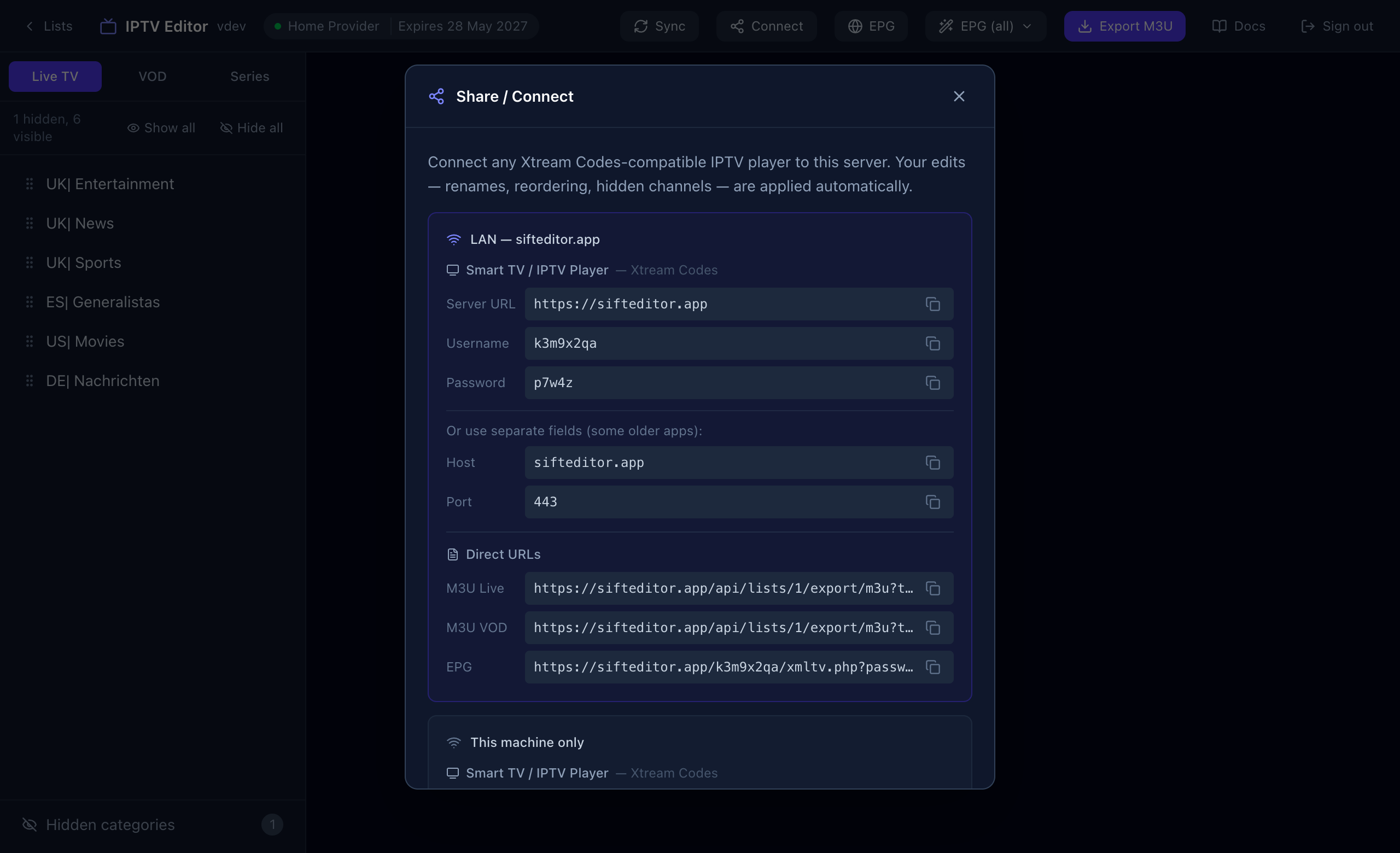
A downloaded file is a snapshot: if you change something afterwards, you have to export again. A link keeps itself current. Press Connect and copy M3U Live or M3U VOD from Direct URLs. Give it to an app that can load a playlist from a web address, and it reflects your latest edits whenever it reloads.
Add the guide
The M3U carries each channel’s guide ID. If your app wants the TV guide separately, copy the EPG link from the same Direct URLs section.