Documentation
How to hide IPTV channels and categories
Cut a huge IPTV lineup down to the channels you watch by hiding categories and single channels.
A typical IPTV subscription holds thousands of channels in dozens of countries, and most of them you will never open. Hiding what you do not watch makes the list in your TV app short and quick to scroll. Sift hides at two levels: whole categories and single channels.
Hide a whole category
- Open your list and find the category in the sidebar.
- Press the eye next to it. The category disappears from your TV app.
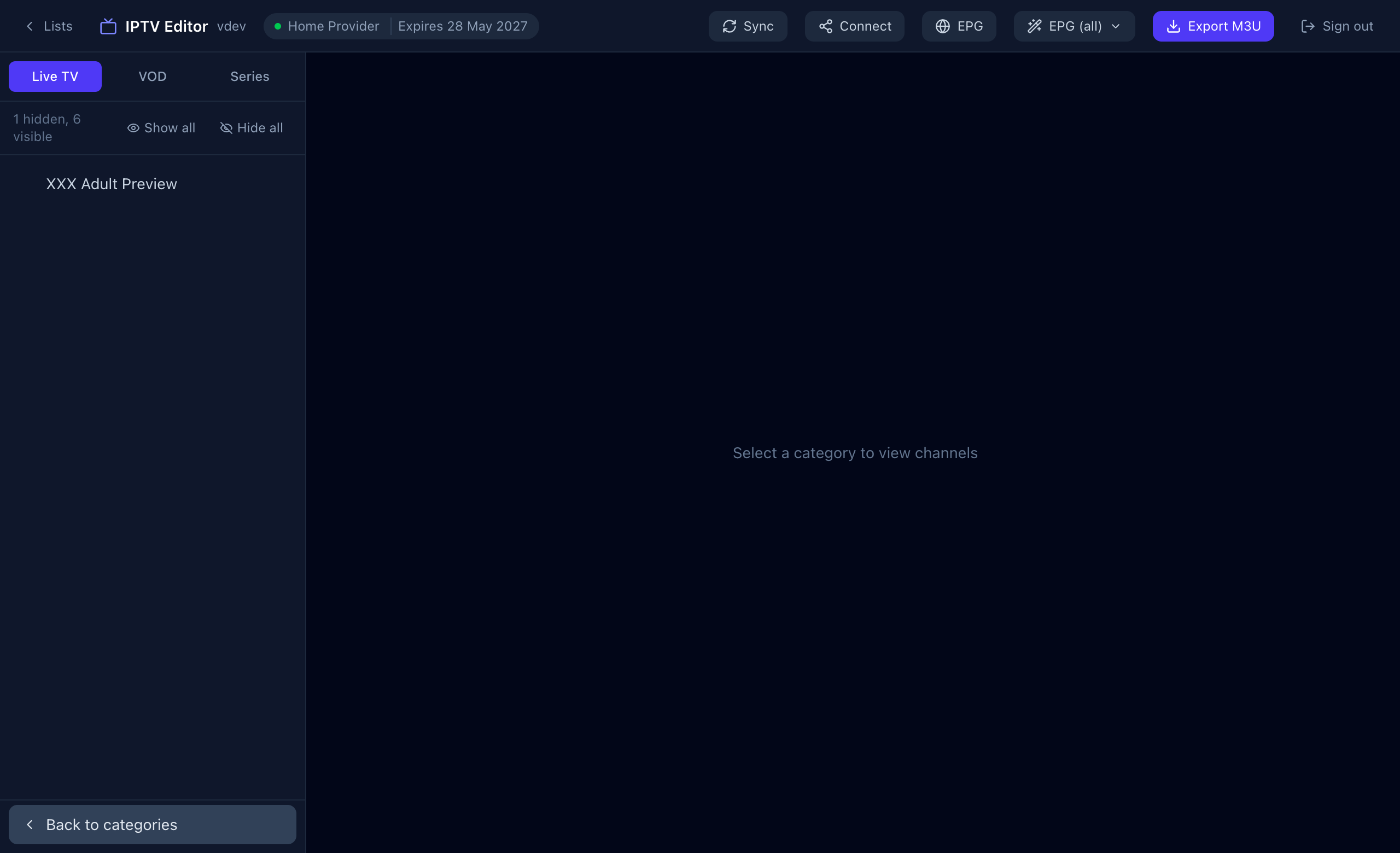
The line under the Live TV / VOD / Series tabs shows how many are hidden and how many are visible.
The fast way: hide everything, then bring back what you want
- Press Hide all to hide every category on the current tab.
- Open Hidden categories at the bottom of the sidebar.
- Press the eye on each category you actually watch to restore it.
Hide a single channel
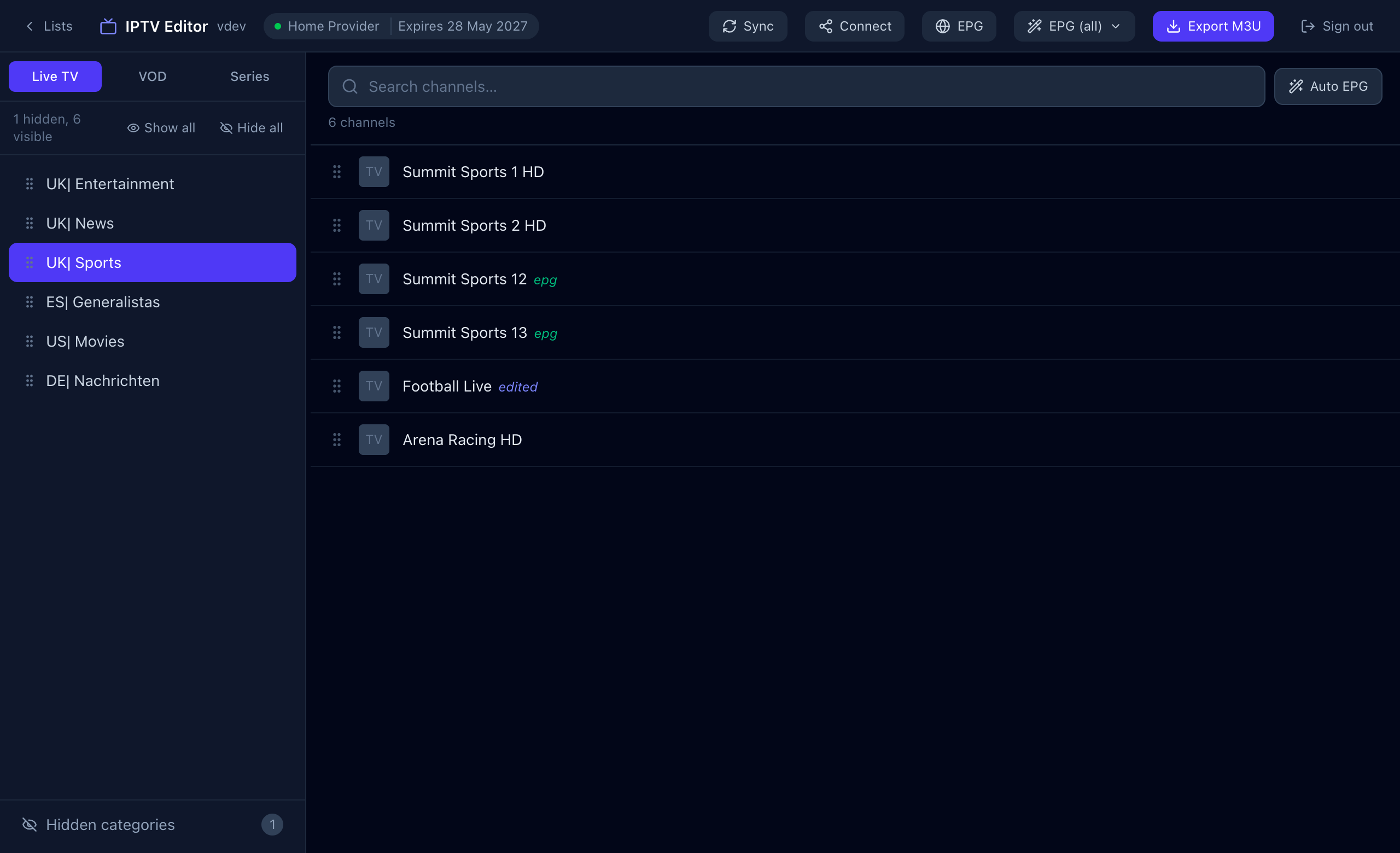
Open the category and press the eye on a channel’s row. Hidden channels are dimmed in the editor, so you can still find them, but they are left out of your TV app and of M3U exports.
Is anything deleted?
No. Hiding only changes what Sift serves to your app. The channels stay at your provider and you can restore them at any time. Hidden categories are also skipped by the bulk TV-guide tools, which makes those faster.